How it works
- Choose the month.
- Tap your available and booked days.
- Download and post to your story.
Made with GlowMenu
Real downloads from this page — same editor, different designs.
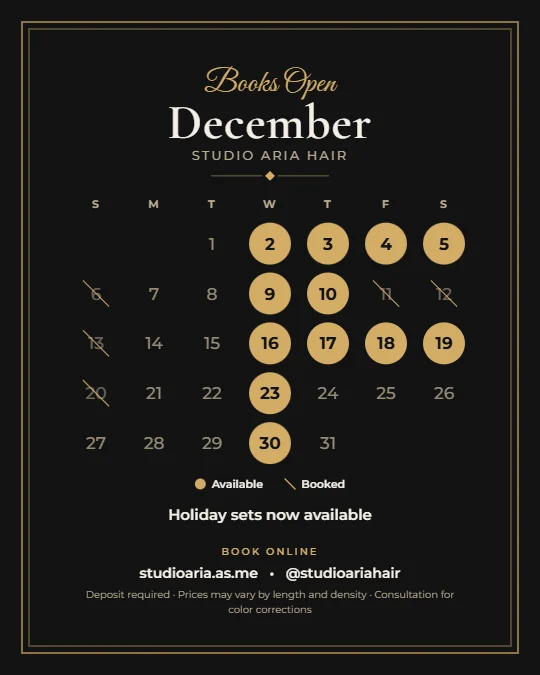
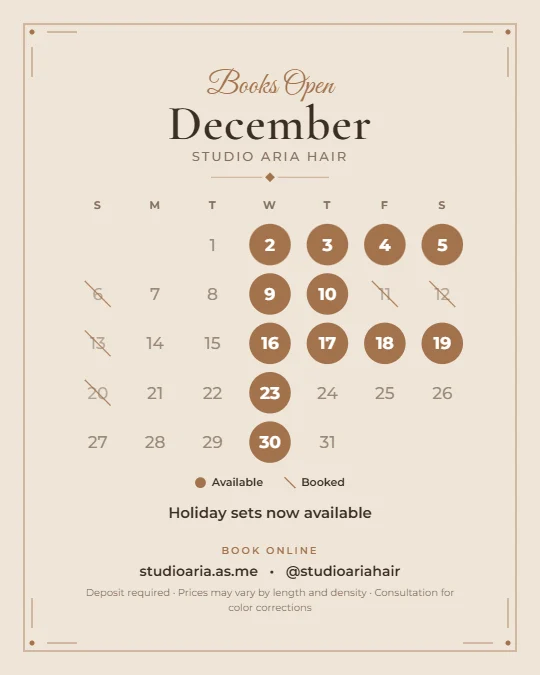
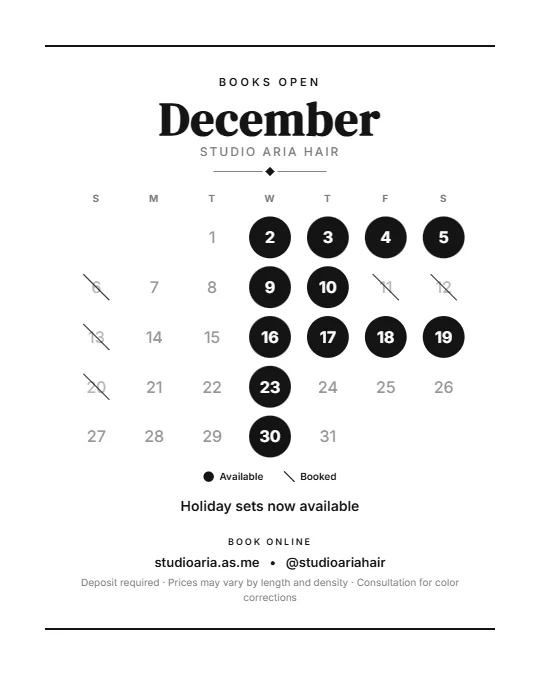
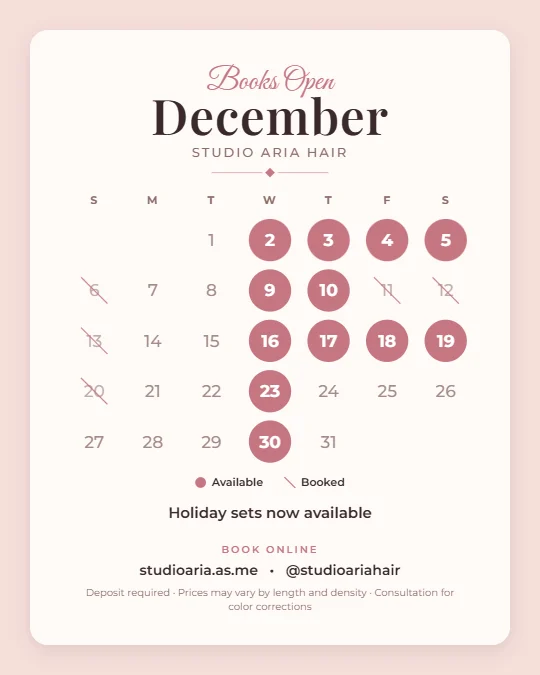
Need the other half? Make your price list with the same details — nothing to re-type.
Questions
How does the booking calendar work?
Pick the month, then tap each day: once for available, twice for booked, three times for closed. The flyer updates instantly.
Is it free?
Yes. Stylists get one free booking flyer per month with a small watermark. Pro gives unlimited flyers, no watermark and Story size.
Next month, do I start over?
No. Your details are saved in your browser. Change the month, tap your open days and download.
Can I add my booking link?
Yes. Add your booking link, Instagram and a short policy line — they appear at the bottom of the flyer.